Is BlockRide free?
Riding is free with an account, and it stays free. Supporter, a paid plan with the training, your own routes and group rides, is coming: you're never charged unless you choose to buy it.
Which trainers work?
Smart trainers that use the Bluetooth FTMS standard, which includes current models from Wahoo, Tacx, Elite, Saris, JetBlack and others. Heart-rate straps work too. Power meters on their own, and trainers that can't set resistance, aren't enough to ride. Trainers that only support ANT+ can't connect.
Which browsers and devices?
Chrome or Edge on Windows, macOS, ChromeOS, Android or Linux, because those browsers support Bluetooth. On Linux, first open chrome://flags/#enable-web-bluetooth, set it to Enabled and relaunch Chrome. On iPad and iPhone, ride in the free Bluefy browser: blockride.cc/ipad shows how. Safari and Firefox can't connect to trainers.
Does it sync with Strava?
Yes. Connect Strava once in your account and every ride you finish or save uploads automatically as a Virtual Ride, with the route map, power, heart rate and cadence. Every ride is also kept in your account, so you can send it again or download it as .fit or .tcx for Garmin Connect, TrainingPeaks or intervals.icu.
Does the world match where my route is?
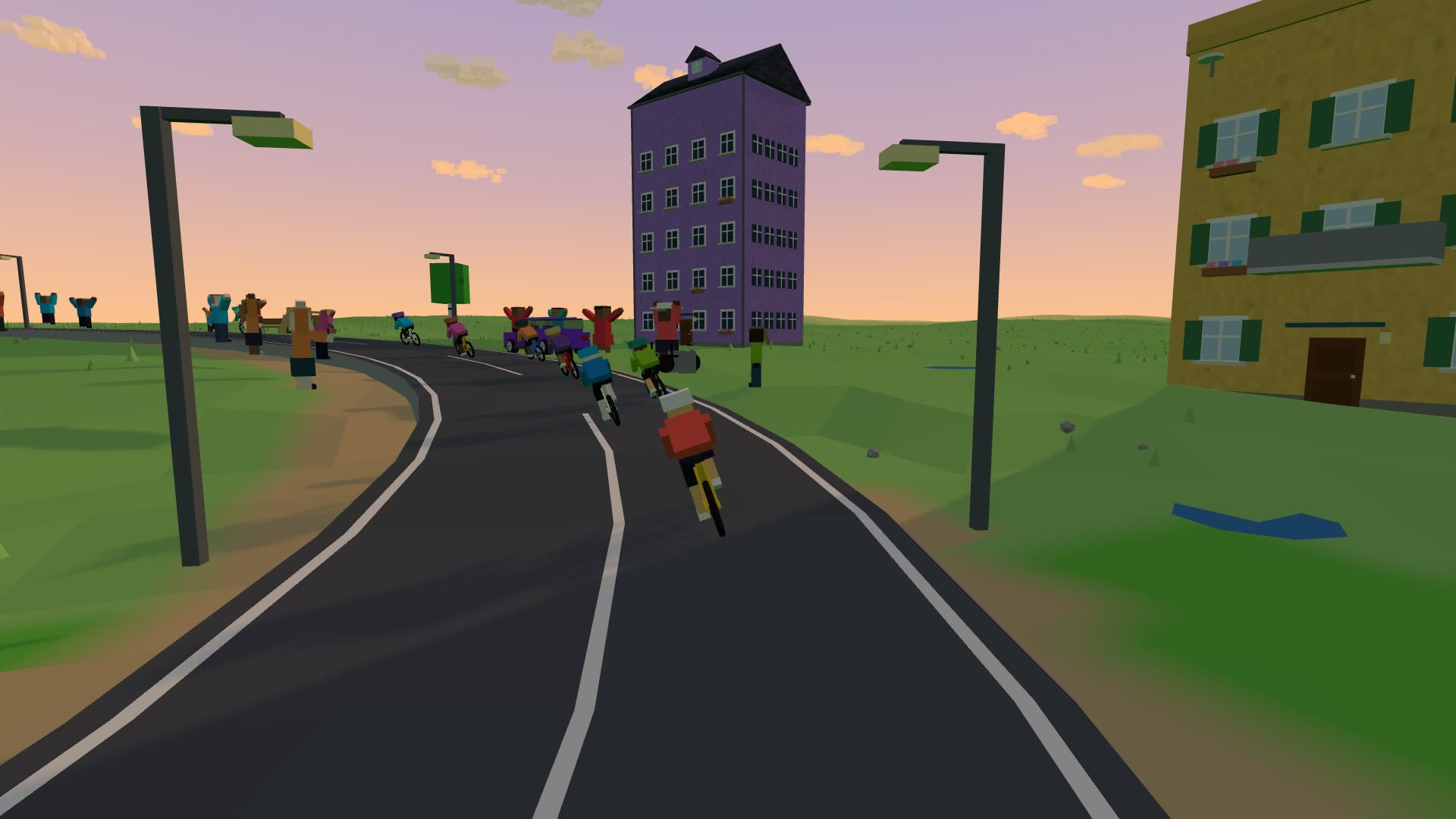
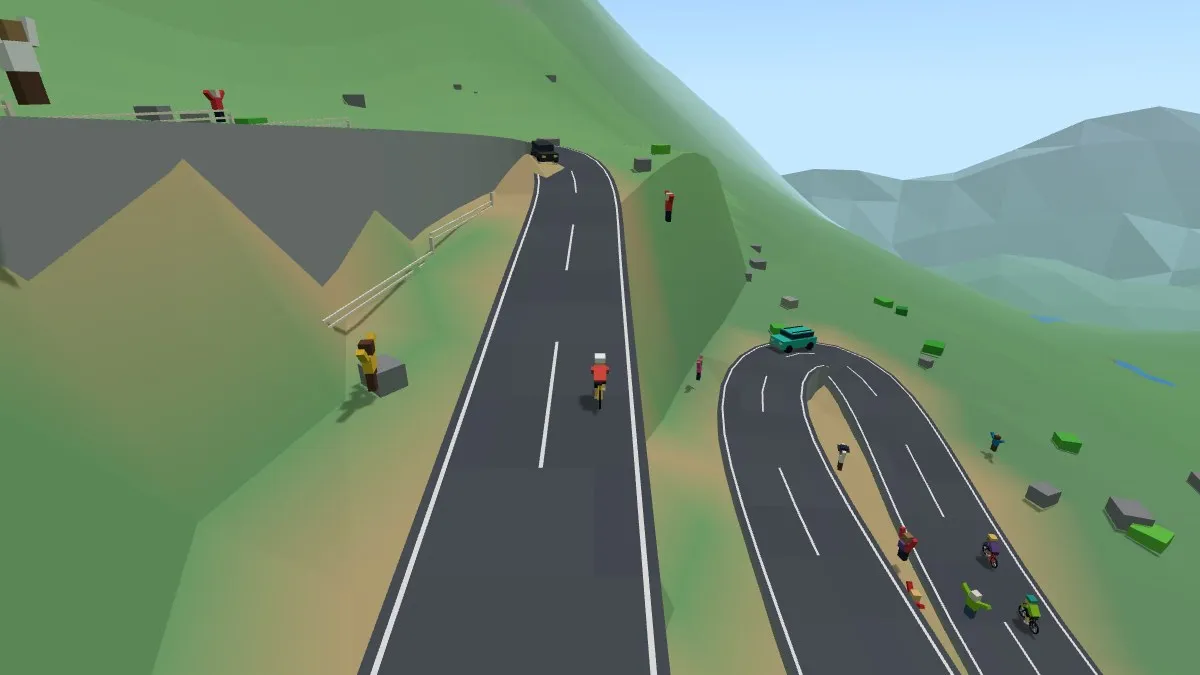
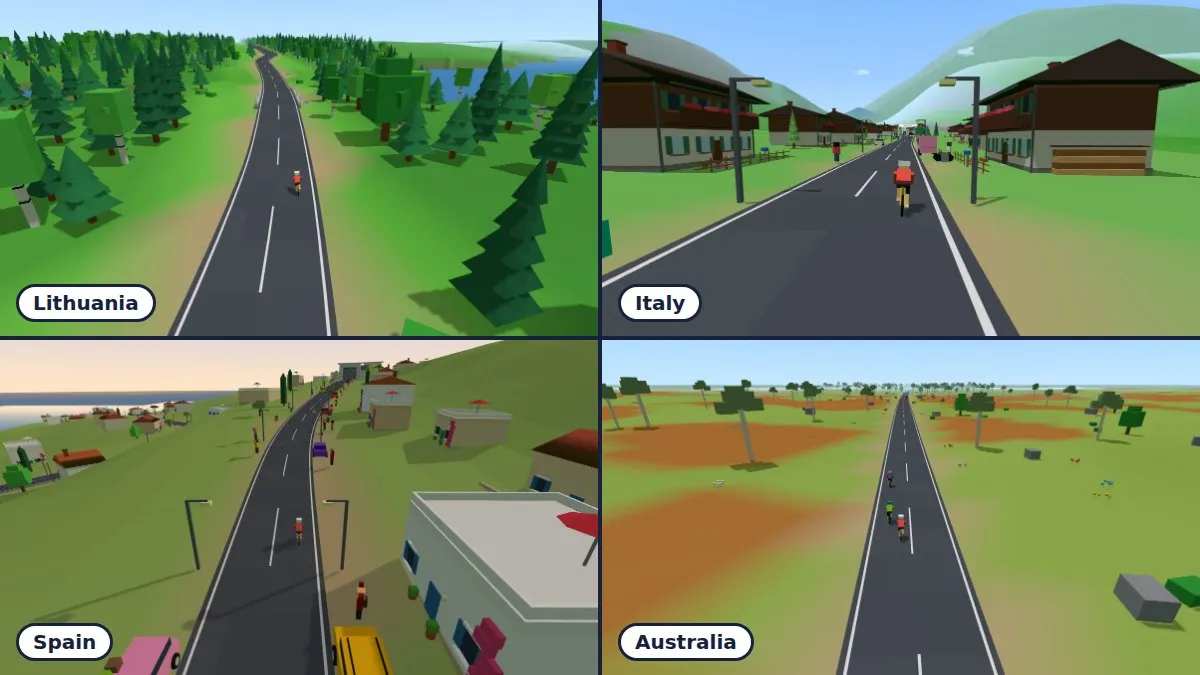
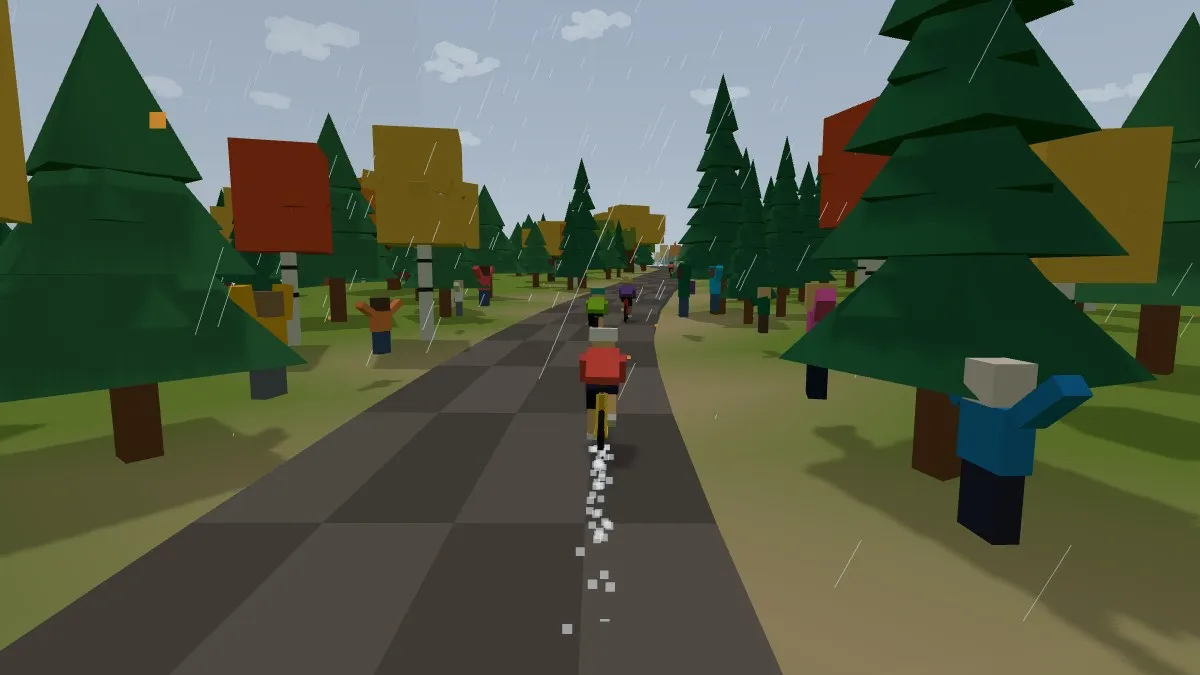
Partly. BlockRide works out which country the route is in and uses that region's trees, houses, farms and small local touches: the Baltics and Poland, the Alps, the Mediterranean and Australia so far, with more regions coming. Other routes get the standard world. Working out the country happens on your device.
How does the training work?
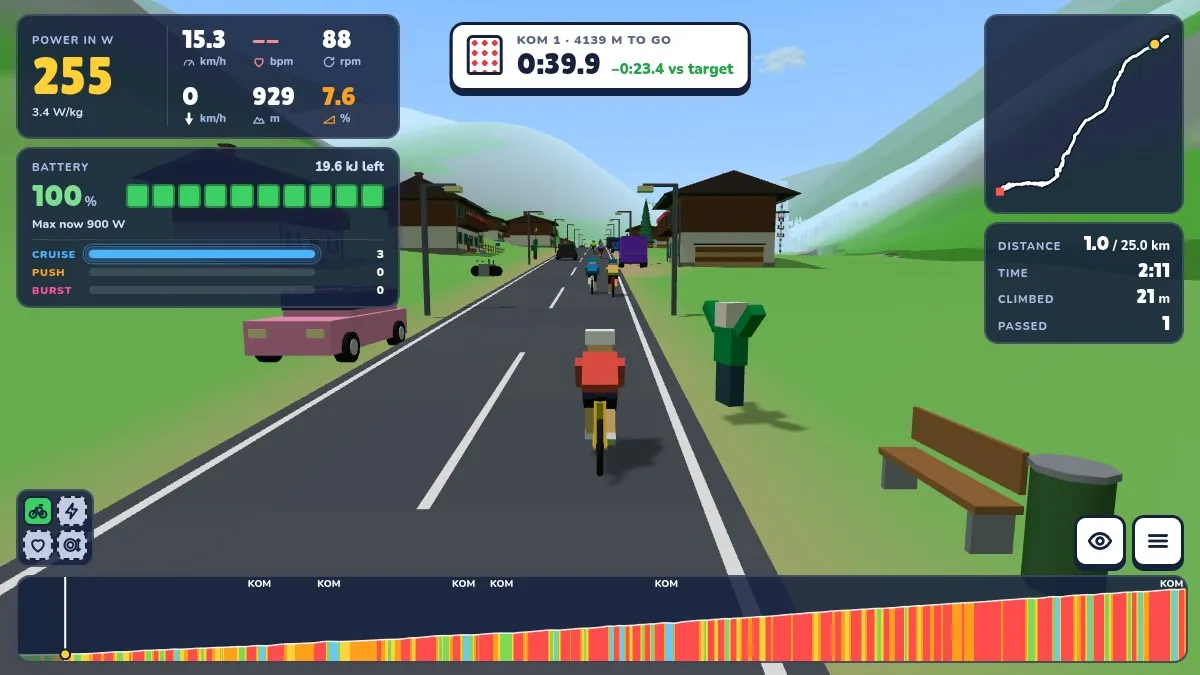
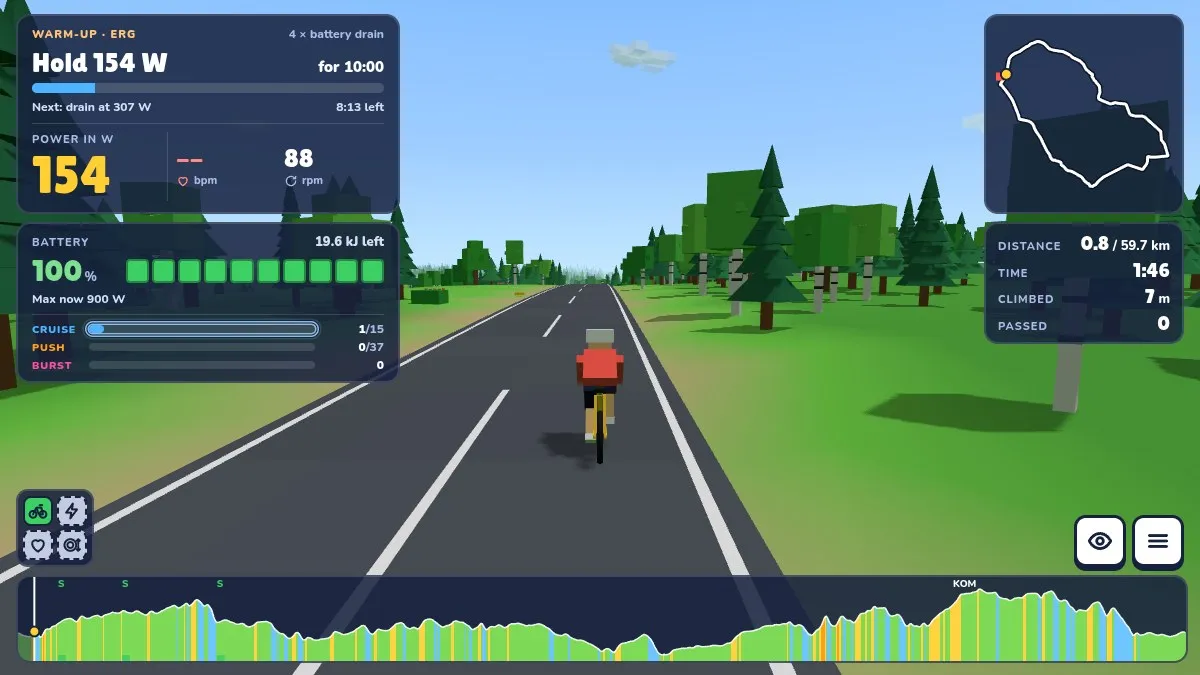
BlockRide works out three numbers from your rides: threshold, battery and peak. They size your efforts, score every ride and shape your training plan. Building Blocks explains how, in short chapters with the science behind them.
Can I ride without a trainer?
No. BlockRide needs a connected Bluetooth smart trainer: your power comes only from the trainer, and a ride can't start without one. There are no keyboard controls.